Back to: Things Everyone Should Know
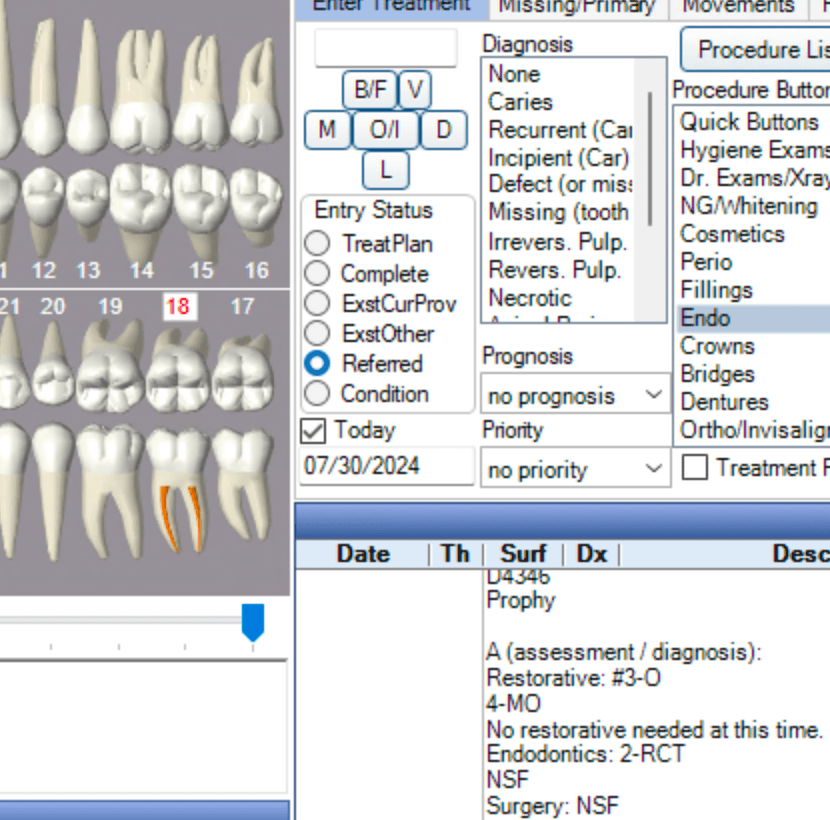
The First Step In Creating a Referral Is To Create The Referred Treatment. Simply click the referred radio button and then select the treatment needing to be done.
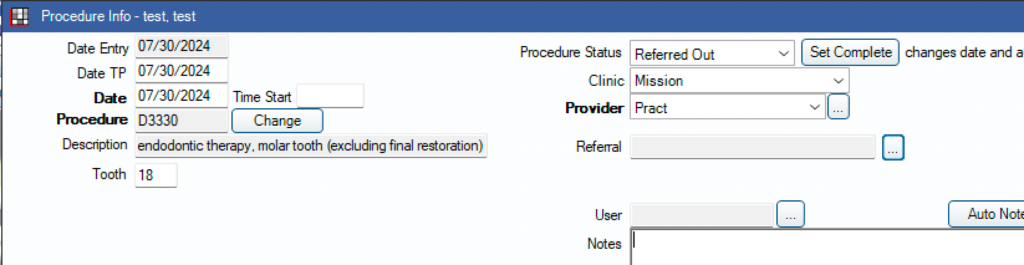
Double click on the treatment
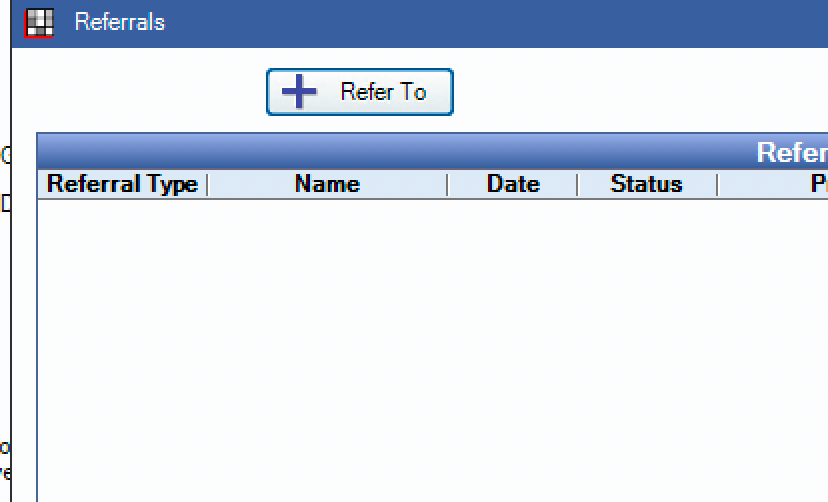
Select refer to
Select the provider
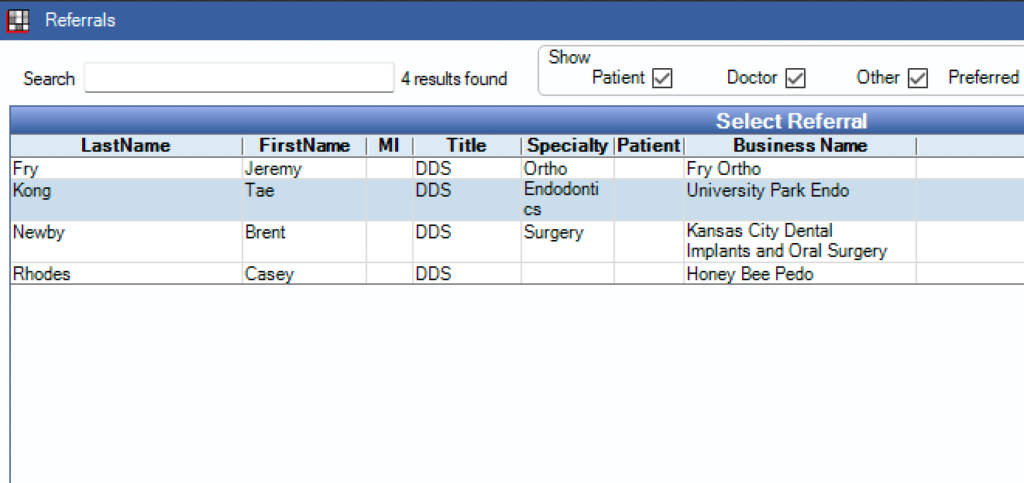
After clicking ok on the provider click “referral slip” and fill out the form appropriately
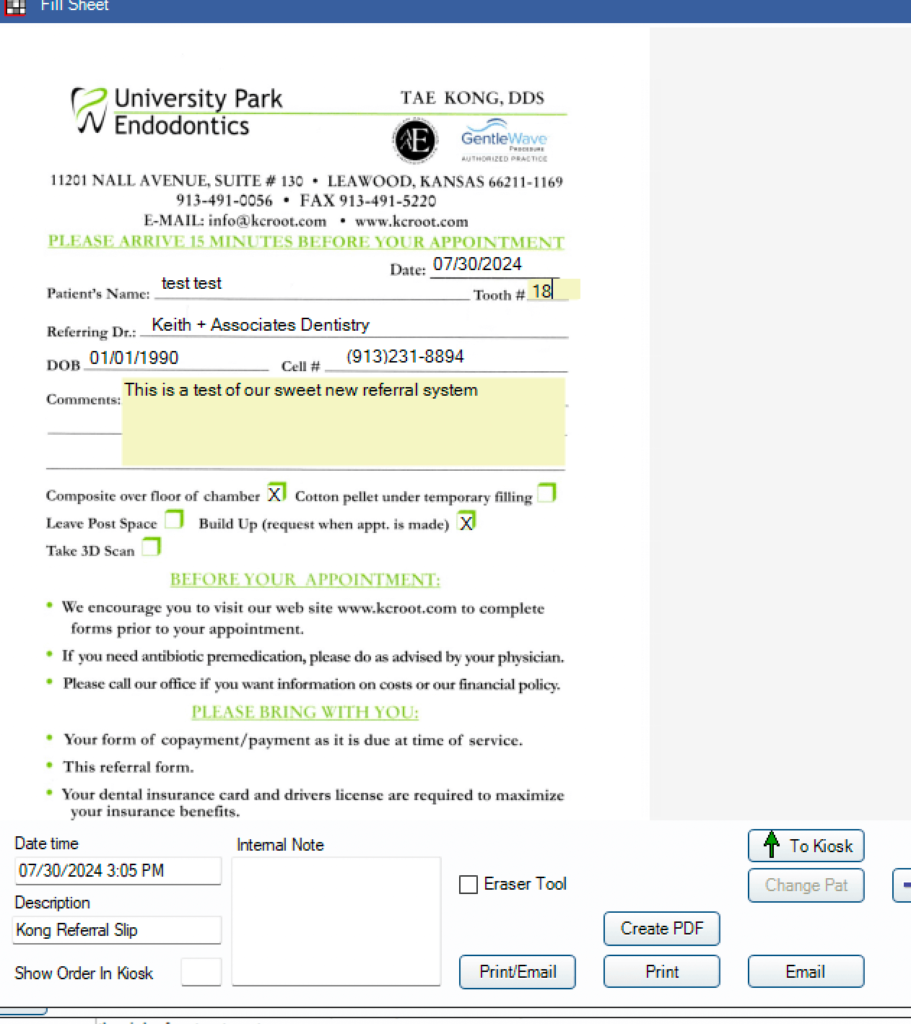
Select Print/Email. Change the paper copies to 0 and make sure both checkmarks are selected.
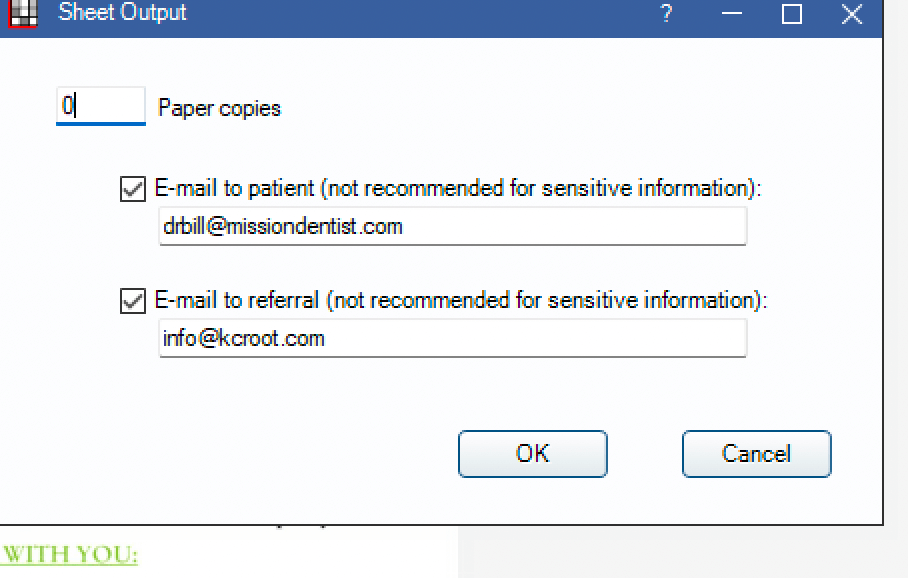
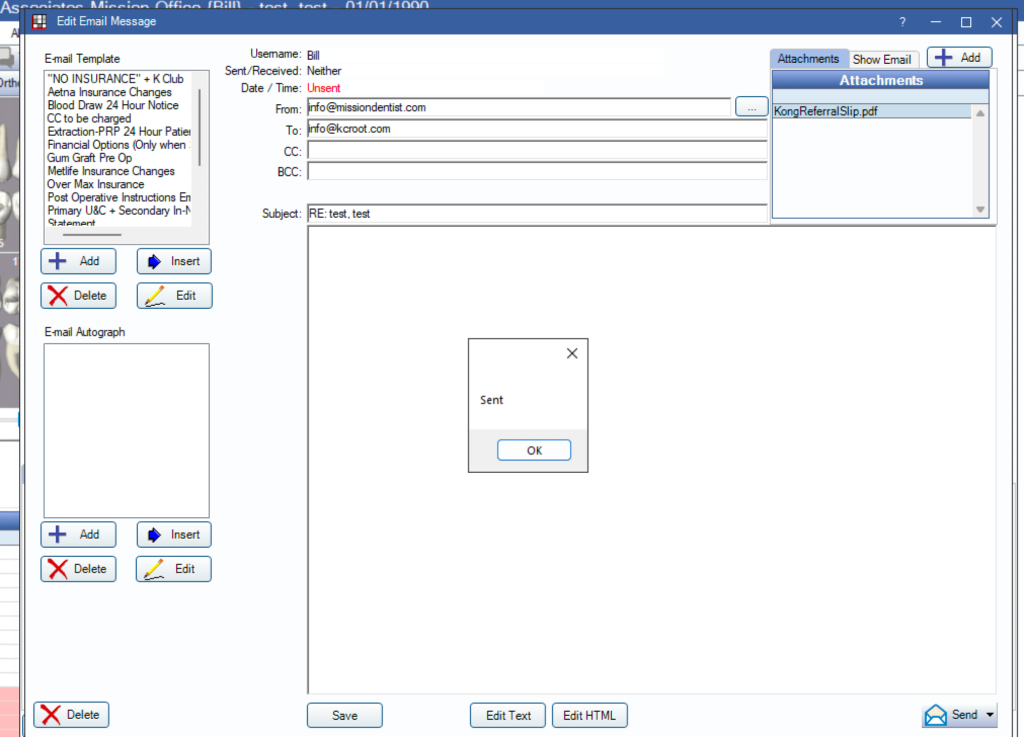
Press send on both emails. One to the patient and one to the referral.